About
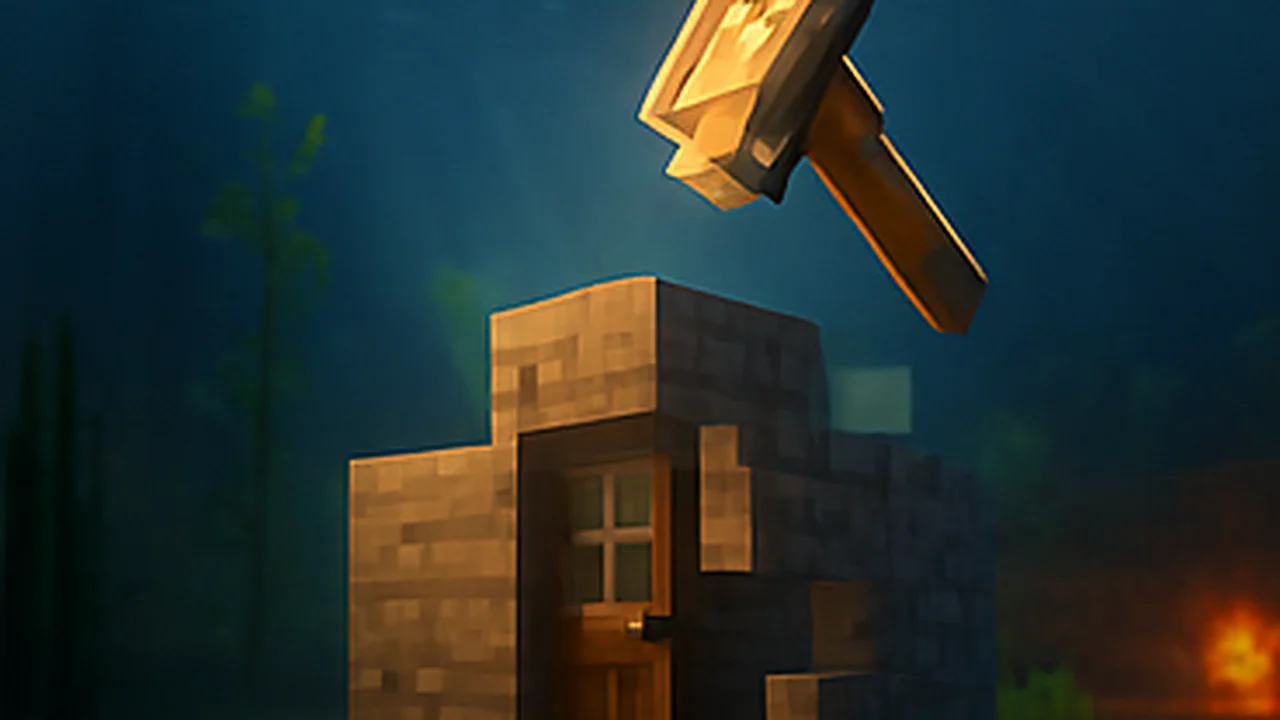
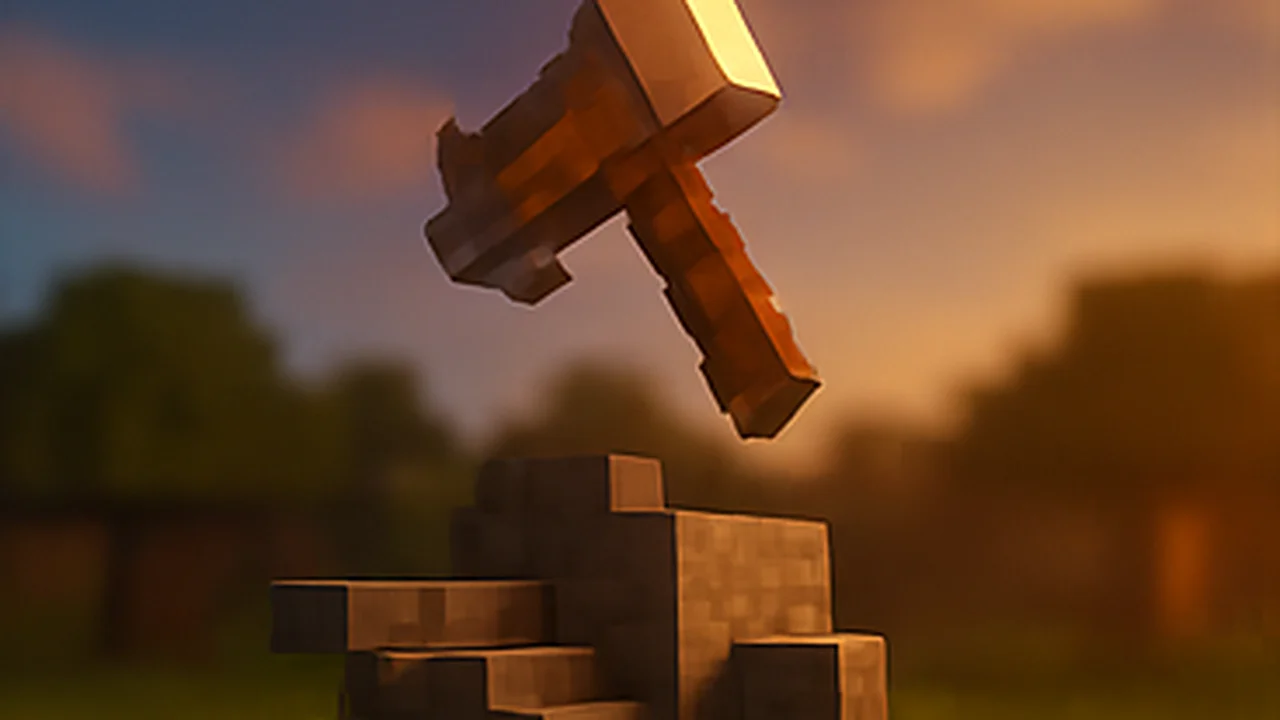
The Nexus Hammer is a survival-friendly copy and paste tool. Hit one corner, use the other, and save what's in between. Paste it somewhere else and it builds itself section by section.
Big pastes can be paused, resumed or cancelled, and the hammer always asks before it replaces terrain.
✨ What you get
- Save builds between two corners
- Paste anywhere, with a preview of the spot
- Large builds paste in 16 by 32 by 16 sections
- Pause, resume or cancel a paste
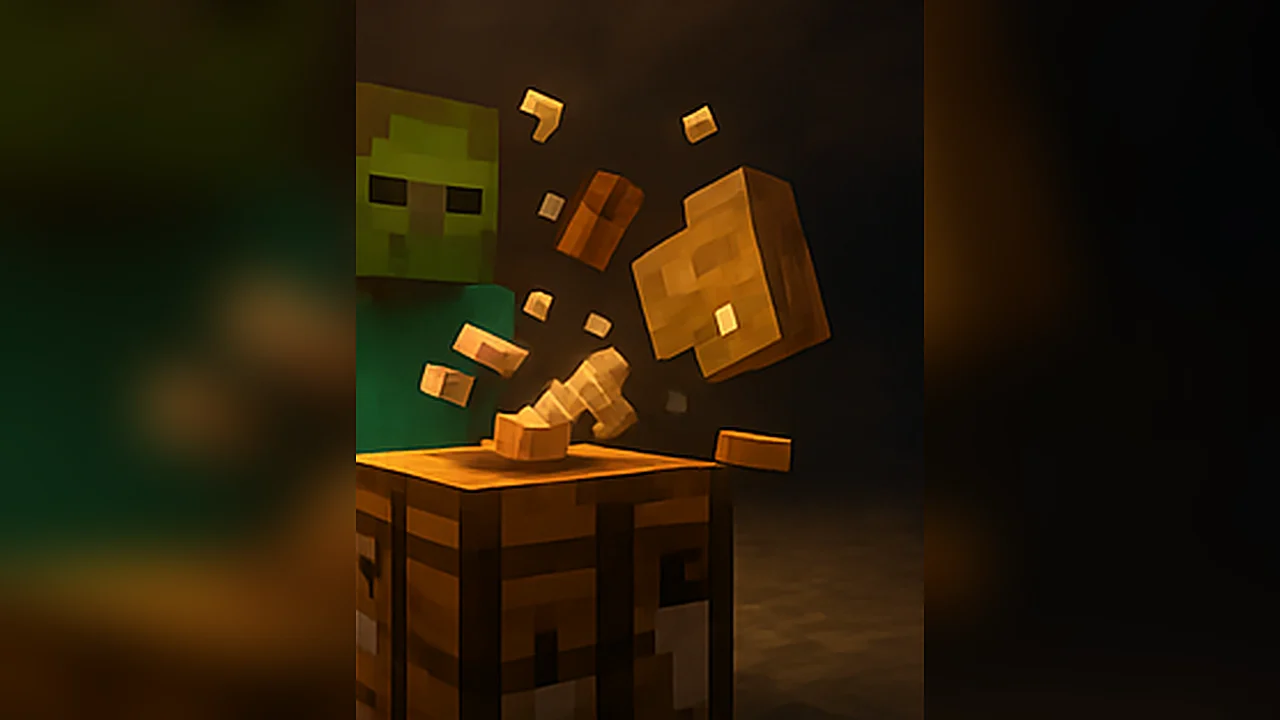
- Craftable in survival
🛠️ How to use it
- Hit a block for corner 1
- Use a block for corner 2
- Sneak and use for the menu to save or paste
🧱 Crafting
Iron, diamond, iron across the top, then two sticks down the middle.
📦 Installing
- Download the file and open it. Minecraft imports it for you.
- Open your world's settings and turn the add-on on under Behaviour Packs (the resource pack switches on with it).
- Load the world and have fun. Back up worlds you care about first, just in case.